

Using our testing of demo account realism, platform tools, and ease of use, the best demo trading accounts in the UK for 2026 are eToro (best for beginners and copy trading), IG (best for advanced traders), XTB (best all-round value), Capital.com (best for mobile-first CFD trading), and Pepperstone (best for forex and algorithmic trading). All offer FCA-regulated environments and realistic market conditions using virtual funds.
Demo accounts allow you to practise with real-time prices but without financial risk. They mirror live trading conditions, though execution and slippage may differ slightly from live accounts.
Top demo trading accounts UK
- Best for Beginners: eToro provides a large virtual balance, an intuitive interface, and access to CopyTrader features, making it ideal for learning trading basics in a social environment.
- Best for Advanced Traders: IG offers realistic demo conditions, broad market access including forex and spread betting, and professional-grade tools.
- Best All-Round Value: XTB delivers a clean, fast demo on its xStation 5 platform, supported by strong education and CFD practice tools.
- Best for Mobile-First CFD Trading: Capital.com features an intuitive app-based demo with strong charting, built-in learning resources, and simple onboarding.
- Best for Forex & Algorithmic Trading: Pepperstone allows traders to test MT4, MT5, cTrader, and TradingView with fast execution and full Expert Advisor compatibility.
Key features of top UK demo accounts
- Virtual Funds: Most demo accounts provide substantial virtual balances to simulate realistic position sizing.
- Market Access: Typically includes forex, indices, shares, commodities, cryptocurrencies, and CFDs.
- Real-Time Pricing: Prices mirror live market conditions to replicate real trading environments.
- Platform Choice: Many brokers support proprietary platforms alongside MetaTrader 4, MetaTrader 5, cTrader, or TradingView.
What are the best demo trading accounts in the UK in 2026?
| Platform | Demo Balance | Demo Duration | Markets Available on Demo | Platforms Supported | Best For |
|---|---|---|---|---|---|
| eToro | $100,000 virtual funds | Unlimited | Stocks, ETFs, crypto, forex, indices, commodities | Proprietary web & app | Beginners, copy trading, learning markets |
| IG | £10,000 (customisable on MT4) | Unlimited (active use) | 15,000+ markets incl. forex, shares, indices, commodities | IG Platform, MT4, ProRealTime, L2 Dealer | Advanced traders, forex & spread betting |
| XTB | £100,000 virtual funds | 30 days (extendable) | ~2,000 CFD markets | xStation 5 (web, desktop, mobile) | Beginners, low-cost CFD practice |
| Capital.com | £1,000 virtual funds | Ongoing | 3,000+ CFD markets (forex, indices, shares, commodities) | Web, mobile, TradingView, MT4 | Beginner CFD traders, mobile-first users |
| Pepperstone | Customisable (varies by platform) | 60 days inactivity (MT4/MT5) | Forex, indices, shares, commodities (platform dependent) | MT4, MT5, cTrader, TradingView, Pepperstone Platform | Forex, scalping, algorithmic traders |
Why use a demo account?
Demo accounts are ideal for learning how markets work, testing trading strategies, and understanding platform features before risking real capital. They are especially useful for practising risk management and order execution in a safe environment.
The best demo trading account in the UK ultimately depends on your trading style, whether you prioritise copy trading, advanced analytics, mobile usability, or algorithmic forex strategies.
UK demo trading platform reviews
These reviews focus on UK platforms that offer demo accounts, allowing users to practise trading with virtual funds and test features before committing real money.
1. eToro – Best for beginners & copy trading
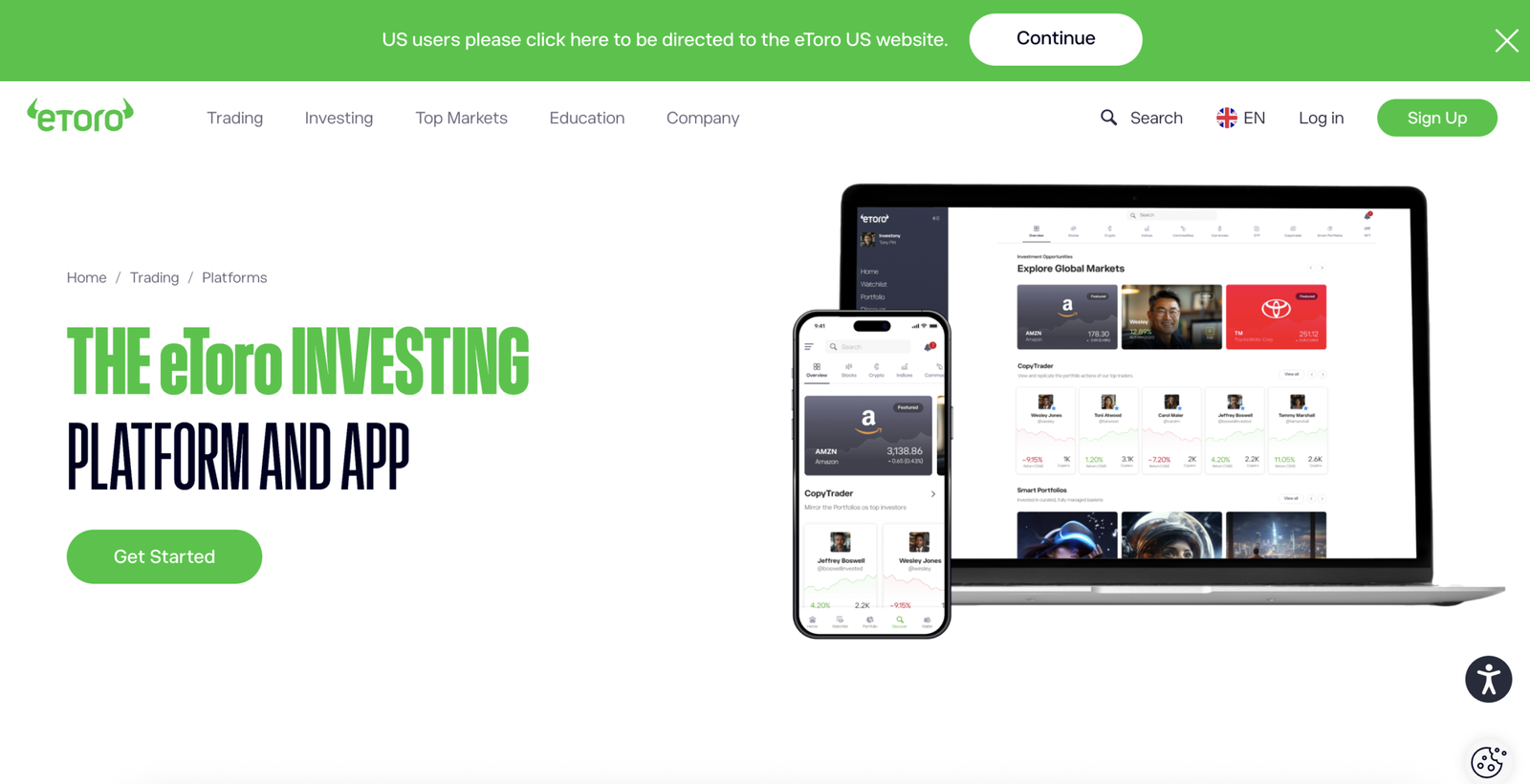
The eToro demo account is one of the best demo trading accounts in the UK for beginners and copy traders who want to practise with real market prices, explore multiple asset classes, and test strategies risk-free. It closely mirrors live trading conditions but cannot replicate trading psychology, so position sizing discipline is essential before going live.
Platform overview
| Feature | Details |
|---|---|
| Demo balance | $100,000 virtual funds |
| Duration | Unlimited |
| Markets available | Stocks, ETFs, crypto, forex, indices, commodities |
| Platforms | Proprietary web & mobile app |
| CopyTrader | Yes |
| Leverage & CFDs | Yes (simulated) |
| FCA regulated | Yes |
| FSCS protection | Up to £85,000 on live accounts only |
| Fees on demo | None |
How realistic are the demo trading conditions compared to live markets?
eToro’s demo account closely mirrors live market conditions by using real-time prices, the same spreads, and identical platform features. The key difference is psychology. There is no emotional pressure, slippage is limited, and losses are not real, which can create misplaced confidence if trades are not sized realistically.
What markets and instruments can you trade on the demo account?
The demo account provides access to eToro’s full multi-asset offering, allowing users to practise across more than 7,000 instruments. This includes real-time stocks and ETFs, forex pairs, indices, commodities, and cryptocurrencies, all available exactly as they appear in the live environment.
What learning tools, limits, and support come with the demo account?
Users receive $100,000 in virtual funds with no time limit and full access to leverage, Stop Loss, Take Profit, CFDs, and CopyTrader. Educational content, the social feed, and trader statistics support learning, although advanced charting and professional research tools are limited.
Who is this platform best for?
eToro’s demo account is best for beginners, copy trading followers, and casual investors who want to learn market mechanics, test strategies, and evaluate traders before committing real capital. It is less suitable for advanced, high-frequency, or algorithmic traders.
How do I set up my free demo account?
Create a free eToro account or log in, select Virtual Portfolio from the Real/Virtual menu, and start trading instantly with virtual funds. You can switch between demo and live accounts at any time with a single click.
Read the complete eToro review here.
Pros and cons of the eToro demo account
- Unlimited demo access
- Full market access
- Identical platform to live
- CopyTrader available
- Beginner-friendly interface
- Limited advanced charting
- Not suitable for algorithmic trading
2. IG – Best for advanced trading & realistic demos
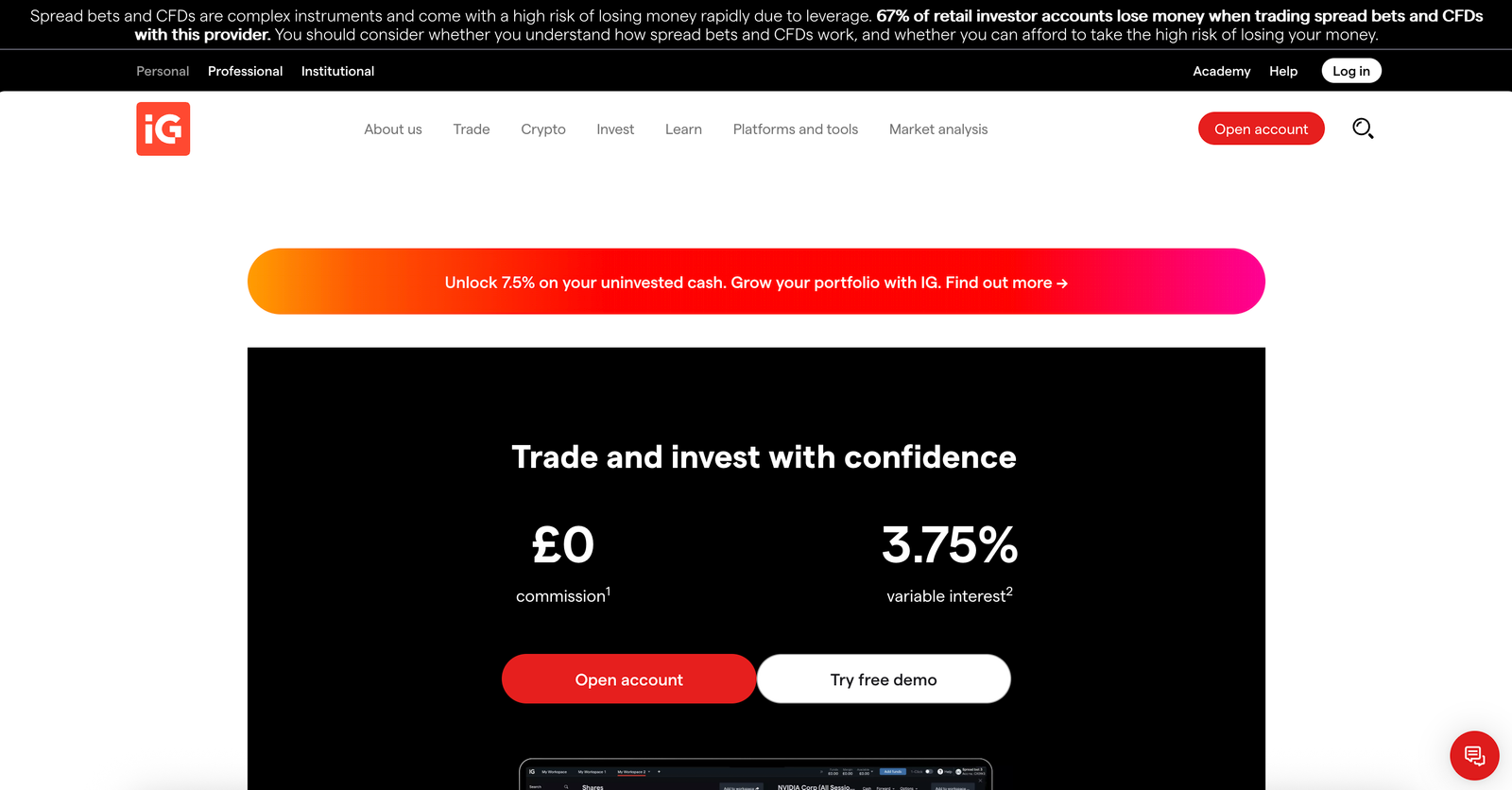
The IG demo account is one of the most powerful trading simulators available to UK traders, offering real-time pricing, professional-grade platforms, and unlimited access. It is best suited to traders who want to learn or test strategies in a realistic environment, especially forex, CFDs, spread betting, and advanced platform tools.
Platform overview
| Feature | Details |
|---|---|
| Demo balance | £10,000 virtual funds (customisable on MT4) |
| Duration | Unlimited (active use required) |
| Markets available | Forex, indices, shares, commodities, ETFs, bonds, options |
| Platforms | IG web platform, MT4, ProRealTime, L2 Dealer |
| Algorithmic trading | Yes (MT4 & API access) |
| FCA regulated | Yes |
| FSCS protection | Up to £85,000 on live accounts only |
| Fees on demo | None |
How realistic are the demo trading conditions compared to live markets?
The IG demo account closely replicates live market conditions using real-time pricing, identical spreads, and the same execution tools found on live accounts. Like all simulators, it cannot replicate trading psychology or live execution factors such as slippage, which can lead to overly confident results if risk is not managed realistically.
What markets and instruments can you trade on the demo account?
IG’s demo account provides access to one of the broadest market selections in the UK. Traders can practise across 15,000+ markets, including forex pairs, global shares, indices, commodities, ETFs, bonds, options, CFDs, and spread betting instruments, depending on the platform selected.
What learning tools, limits, and support come with the demo account?
IG offers unlimited demo access with no minimum deposit and no time restriction, as long as the account remains active. Traders benefit from IG Academy courses, webinars, Autochartist signals, advanced charting via ProRealTime, and full MT4 support. Algorithmic traders can also test EAs and APIs in a simulated environment.
Who is this platform best for?
The IG demo account is best for forex traders, CFD and spread betting users, technical traders, and algorithmic traders who want to practise on professional platforms before trading live. Beginners can also benefit, particularly when combined with IG Academy, but the platform may feel complex at first.
How do I set up my free demo account?
Create a free IG account, select Create demo account, and log in instantly with a preloaded virtual balance. MT4 demo accounts can be added separately from the dashboard, with full control over leverage, balance size, and account settings.
Read the complete IG review here.
Pros and cons of the IG demo account
- Unlimited demo access
- Huge market coverage
- Multiple professional platforms
- MT4, ProRealTime & API support
- Strong education via IG Academy
- Platform complexity for beginners
- Learning curve on advanced tools
- Slippage not fully simulated
3. XTB – Best for low-cost CFD practice & education
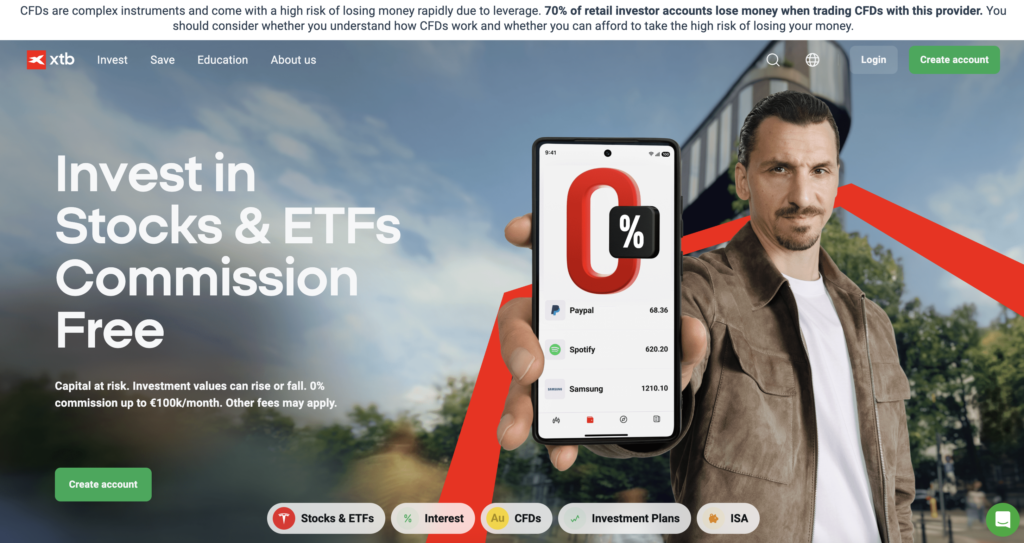
The XTB demo account is a simple, reliable simulator that shows you exactly what trading on xStation 5 feels like, with strong execution and plenty of market access. It’s best for UK beginners and intermediate traders who want a clean platform to practise CFDs and forex risk-free, but note the standard demo is time-limited unless extended.
Platform overview
| Feature | Details |
|---|---|
| Demo balance | £100,000 virtual funds |
| Duration | 30 days (can be extended) |
| Markets available | ~2,000 markets (CFDs + investing instruments) |
| Platforms | xStation 5 web, desktop, and mobile |
| Algorithmic trading | No (no MT4/MT5) |
| FCA regulated | Yes |
| FSCS protection | Up to £85,000 on live accounts only |
| Fees on demo | None |
How realistic are the demo trading conditions compared to live markets?
XTB’s demo is designed to reflect the real xStation 5 trading experience, including the same order tickets, charts, and risk tools you’d use on a live account. Like any simulator, it cannot replicate real trading psychology, and execution differs because demo orders do not reflect market depth in the same way.
What markets and instruments can you trade on the demo account?
The XTB demo account provides access to around 2,000 markets, mainly focused on CFDs such as forex, indices, commodities, and stock CFDs. You can use it to practise trading popular instruments like major FX pairs and widely traded indices, plus test leveraged positions and short-selling where available.
What learning tools, limits, and support come with the demo account?
XTB’s demo comes with xStation 5’s built-in tools, including indicators, charts, news, and an education area inside the platform. It’s quick to set up with basic login details, and the interface is widely considered smooth and easy to use. The main limitation is that the demo typically becomes inactive after 30 days, although it can be extended via support or an account manager.
Who is this platform best for?
XTB is best for beginners who want a straightforward demo that “just works”, plus UK traders who value low-cost investing features like the free ISA and strong education. It’s less suited to traders who want MetaTrader, copy trading, or automated strategy testing inside MT4/MT5.
How do I set up my free demo account?
Create a demo login with your email and password, then log into xStation 5 on web, desktop, or mobile. You can practise with virtual funds immediately, and you can move to a real account at any time when you’re ready.
Read the complete XTB review here.
Pros and cons of the XTB demo account
- Smooth, reliable platform experience
- Easy setup and easy to use
- Good execution feel for practising
- Solid education and research tools
- No MT4/MT5 or algorithmic ecosystem
- Platform may feel light on advanced features
- CFD/share layout can confuse new users
4. Capital.com – Best for mobile-first CFD trading
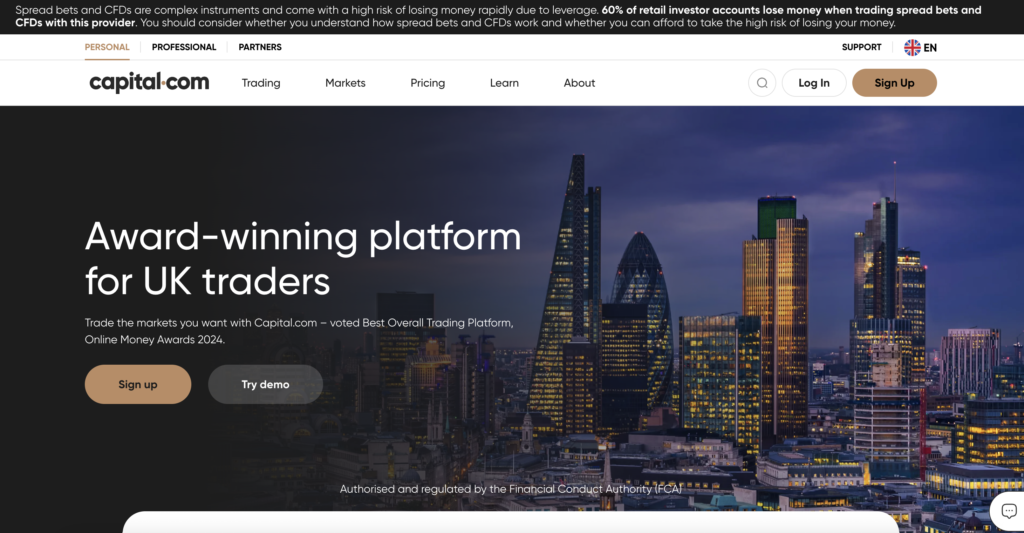
Capital.com’s demo account is a beginner-friendly way to practise CFD trading on a clean web or mobile platform, with strong charting and built-in learning. It’s best for UK traders who want to learn forex and index trading risk-free, but remember CFDs use leverage and demo results won’t fully match live execution or real-world emotions.
Platform overview
| Feature | Details |
|---|---|
| Demo balance | £1,000 virtual funds |
| Markets available | Forex, indices, commodities, shares via CFDs |
| Platform access | Web platform + mobile app |
| Charting | 8 timeframes, 6 chart types, 75+ indicators + drawing tools |
| News & learning | Built-in Reuters feed + webinars, glossaries, explainers |
| Support | 24/7 support, multiple channels (live chat, WhatsApp and more) |
| FCA regulated | Yes |
| FSCS protection | Up to £85,000 on eligible live accounts only |
| UK crypto CFDs | Not available for UK retail clients |
How realistic are the demo trading conditions compared to live markets?
Capital.com’s demo account is a realistic platform simulator because it uses the same interface, charts, indicators, and risk tools you’d use in live trading. The main gaps are live-market pressure and execution effects like slippage and market depth, so it’s best used for process, strategy testing, and order practice.
What markets and instruments can you trade on the demo account?
On the Capital.com demo, you can practise trading CFDs across core markets, including forex, indices, commodities, and shares. This makes it a strong demo for learning short-term trading setups, testing leverage-based strategies, and getting comfortable with multi-asset watchlists and trade tickets.
What learning tools, limits, and support come with the demo account?
Capital.com pairs its demo with strong learning support: 75+ indicators, multi-timeframe charting, and a built-in Reuters news feed so you can learn in context. You also get access to educational resources like webinars, glossaries and explainer content, plus 24/7 client support if you get stuck.
Who is this platform best for?
Capital.com is best for beginners and intermediate UK traders who want a simple CFD demo for learning forex, indices, and share CFD trading with modern charting and clear platform design. It’s not ideal for long-term investors who want real shares, ISAs or SIPPs, because the platform is primarily built around CFDs.
How do I set up my free demo account?
Create an account on Capital.com (web or app), log in, and select the demo environment to start practising with virtual funds. Use the demo to practise order placement, risk controls, and chart-based setups before considering live trading with real money.
Read the complete Capital.com review here.
Pros and cons of the Capital.com demo account
- Strong charting: 8 timeframes, 6 chart types, 75+ indicators
- Built-in Reuters news feed for learn-as-you-trade
- 24/7 support via multiple channels
- Demo starting balance (£1,000) is lower than many rivals
- Live trading involves overnight fees on leveraged positions
5. Pepperstone – Best for forex, scalping & algorithmic trading
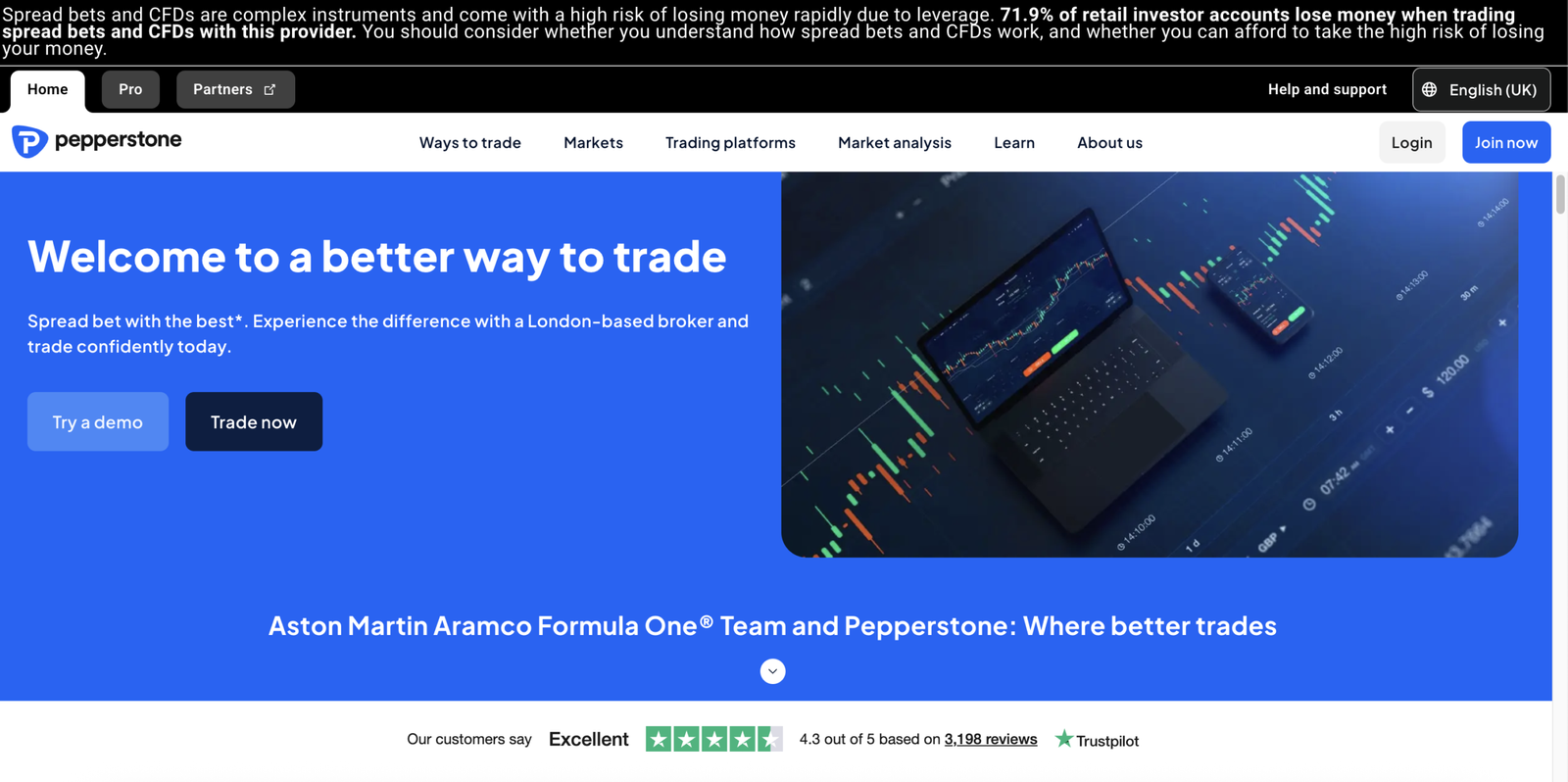
Pepperstone’s demo account is a strong choice for UK forex and CFD traders who want to practise on professional platforms like MT4/MT5, cTrader and TradingView with live pricing and fast execution. It is best for testing platforms, indicators, EAs and copy trading workflows, but you need to watch the inactivity expiry rules and some features can be restricted in demo mode.
Platform overview
| Feature | Details |
|---|---|
| Demo balance | Virtual funds (customisable via dashboard on some platforms) |
| Duration | Expires after 60 days of inactivity on MT4/MT5/Pepperstone platform |
| Markets available | FX, indices, shares, commodities (platform dependent) |
| Platforms | MT4, MT5, cTrader, TradingView, Pepperstone Platform |
| Algorithmic trading | Yes (MT4/MT5 EAs, cTrader automation, API trading) |
| Social trading | Signal Start, MetaTrader Signals, DupliTrade, Copy Trading by Pepperstone |
| FCA regulated | Yes |
| FSCS protection | Up to £85,000 on eligible live accounts only |
| Demo fees | None |
How realistic are the demo trading conditions compared to live markets?
Pepperstone’s demo environment is designed to mimic live trading with real-time pricing and the same execution flow you’ll use on live platforms. Like all demos, it cannot replicate trading psychology and may not fully reflect live-only effects such as slippage during volatile conditions, so it’s most reliable for practising process and platform execution.
What markets and instruments can you trade on the demo account?
Pepperstone demos can give access to major CFD markets, including forex, indices, shares and commodities, depending on which platform and account type you select. The strength here is platform breadth rather than sheer asset count, making it a practical demo for traders who want to compare MT4 vs MT5 vs cTrader vs TradingView before going live.
What learning tools, limits, and support come with the demo account?
Pepperstone offers demo access across five platforms plus trading tools such as Autochartist, platform upgrades for MT4/MT5, and support for API trading. You can open multiple demos, but there are account limits, and MT4/MT5/Pepperstone demos expire after 60 days of inactivity. Some live features can be restricted in demo mode, and swap-free demo accounts are not offered.
Who is this platform best for?
Pepperstone is best for forex traders, scalpers, algorithmic traders, and platform-focused users who want to practise with MT4/MT5 EAs, cTrader automation, TradingView charting, and copy trading tools. It is less ideal for investors who want a long-term investing demo with ISAs or share-dealing features, as the demo is primarily geared around CFD trading workflows.
How do I set up my free demo account?
Create a Pepperstone account, log into the client dashboard, select Demo, choose your platform (MT4/MT5/cTrader/TradingView/Pepperstone Platform), set your account preferences (currency, leverage where available, balance), and start practising. To avoid expiry, log in or trade periodically, and if eligible you can request conversion to a non-expiry demo once your live account is fully approved and funded.
Read the complete Pepperstone review here.
Pros and cons of the Pepperstone demo account
- Wide platform choice: MT4/MT5, cTrader, TradingView
- Strong for EAs, automation and API trading
- Supports social and copy trading integrations
- Good for testing execution workflows and tools
- Some features restricted in demo mode
- Swap-free demo accounts not offered
What is a demo trading account, and how does it work?
A demo trading account is a simulated trading environment that uses virtual funds to mirror live markets. It allows you to place trades using real prices without risking real money, making it ideal for learning how trading platforms and markets work.
You can practise placing market, limit, and stop-loss orders, use charts and indicators, and track profits and losses just like in a live account. Demo accounts are designed for learning platforms and testing strategies risk-free, but they do not reflect real trading psychology or emotional pressure.
What are the main benefits and limitations of demo trading accounts?
Demo trading accounts let you practise trading with virtual money using live market prices, making them ideal for risk-free learning, platform familiarisation, and testing strategies. You can practise placing market, limit, and stop-loss orders, use charts and indicators, and understand how a platform works without risking real funds.
However, demo accounts have clear limitations. They lack emotional pressure, often use unrealistically large balances, and can show perfect execution with little slippage. This can lead to overconfidence, and strong demo results do not guarantee success when trading live with real money.
What should UK traders look for when choosing a demo trading account?
UK traders should prioritise demo accounts from FCA-regulated brokers, as this signals higher standards even when trading with virtual funds. The best demos closely mirror live markets, using real prices, realistic spreads, and full order types like market, limit, and stop-loss orders.
Also consider asset coverage, demo time limits, and virtual balance size. Unlimited or extendable demos with realistic balances are better for learning. Finally, look for easy-to-use platforms, good charts and research tools, and reliable customer support. These factors explain why some platforms rank higher in our guide.
Do demo trading accounts prepare you for live trading?
Demo trading accounts are an important learning tool, but they are not a replacement for live trading experience. They help you learn platforms, practise order types, and test strategies using real prices, but they cannot replicate emotional pressure or real financial risk.
When moving to live trading, the best approach is to start small, use strict risk management, and treat early trades as part of the learning process. All trading involves risk, and strong demo results do not guarantee success with real money.
Conclusion
Demo trading accounts are the safest way for UK traders to learn platforms, practise strategies, and understand markets before risking real money.
eToro stands out for beginners and copy trading, IG is best for advanced traders who want realism and professional tools, and XTB offers excellent low-cost practice with strong education.
Used correctly, demo accounts are an essential first step, but always remember that demo success does not guarantee live results, and all trading involves risk.
FAQs
Are demo trading accounts really free to use?
Yes. Demo trading accounts are free to open and use because they rely on virtual funds. You are not risking real money, and there are no deposit or trading fees while using a demo account.
Do demo trading accounts use real market data?
Most demo accounts use real-time or near real-time market prices. However, execution can be smoother than live trading, with less slippage and no emotional pressure, which can create differences versus real trading conditions.
Can I open multiple demo trading accounts with different brokers?
Yes. UK traders can open multiple demo accounts across different platforms. This is often recommended so you can compare platforms, tools, spreads, and usability before choosing a live trading account.
Is the Interactive Brokers demo account any good?
Yes. Interactive Brokers offers one of the most advanced demo and paper trading environments in the UK, using real market data across shares, options, futures, forex, and CFDs. It is highly realistic and powerful but best suited to experienced traders, as the Trader Workstation platform has a steep learning curve for beginners.
What is the best way to practise trading stocks?
The best way to practise trading stocks is by using a demo or paper trading account that mirrors live markets with real prices. Starting with a regulated platform demo, placing realistic position sizes, and following a structured strategy helps build platform familiarity and discipline before risking real capital.
What is a paper trading account?
A paper trading account is a simulated trading account that uses virtual money instead of real funds. It allows traders to practise placing trades, test strategies, and learn how platforms work using real or near real-time market prices, without financial risk.
Is Saxo’s demo account any good?
Yes. Saxo offers a high-quality demo account that closely reflects its live trading platforms, including SaxoTraderGO and SaxoTraderPRO. It is ideal for advanced and professional traders who want to practise multi-asset trading with strong research and execution tools, though the demo duration is limited.
What is the best demo trading app for beginners?
eToro is the best demo trading app for beginners in the UK due to its intuitive design, unlimited demo access, and large virtual balance. It allows new traders to practise stocks, ETFs, forex, and CFDs while also learning through copy trading and social features.
Are there any free demo trading accounts?
Yes. Most FCA-regulated UK brokers offer free demo trading accounts, including eToro, IG, XTB, Capital.com, and Pepperstone. These accounts use virtual funds, require no deposit, and let users practise trading without risking real money.
Is demo trading really useful?
Demo trading is very useful for learning how platforms work, understanding order types, and testing strategies in live market conditions. However, it does not replicate emotional pressure or real execution risks, so strong demo results do not guarantee success when trading with real money.
What is the best spread betting demo account?
IG offers the best spread betting demo account in the UK, with real-time pricing, professional-grade tools, and unlimited demo access. It closely reflects live spread betting conditions and is suitable for both beginners and advanced traders.
What is the best forex trading platform demo account?
Pepperstone is the best forex demo trading platform for UK traders who want to practise on MT4, MT5, cTrader, or TradingView. It is particularly strong for forex, scalping, and algorithmic strategy testing, though demo accounts may expire after periods of inactivity.
